What Is the Best PC Gaming Accessories?
A flashy setup can look great on a desk, but the real question buyers ask is simpler: what is the best PC gaming accessories for the way you actually play? The answer is not one expensive bundle or one viral product. It is the mix of gear that improves control, comfort, audio, and reliability without wasting your budget on features you will never use.
That matters because gaming accessories do not all deliver the same kind of upgrade. Some raise performance right away, like a precise mouse or a low-latency keyboard. Others improve long sessions, like a headset with better ear padding or a wrist rest that keeps fatigue down. If you are building a setup for ranked matches, streaming, school, or everyday play, the best accessories are the ones that match your habits first and your wishlist second.
What Is the Best PC Gaming Accessories for Most Players?
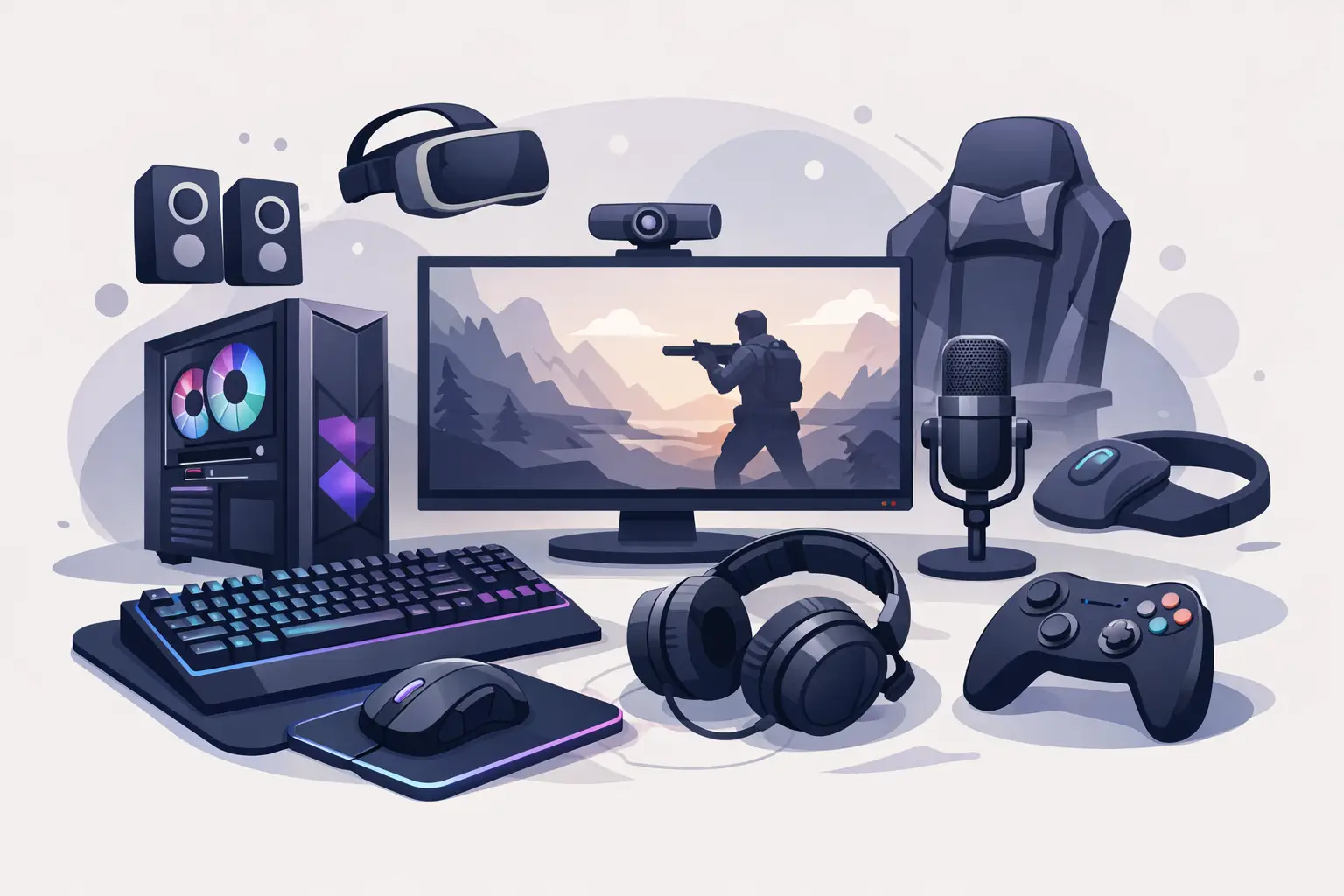
For most players, the best starting point is a strong core setup: a gaming mouse, a keyboard, a headset, and a mouse pad. That combination gives you the biggest improvement per dollar because it affects every match, every click, and every session.
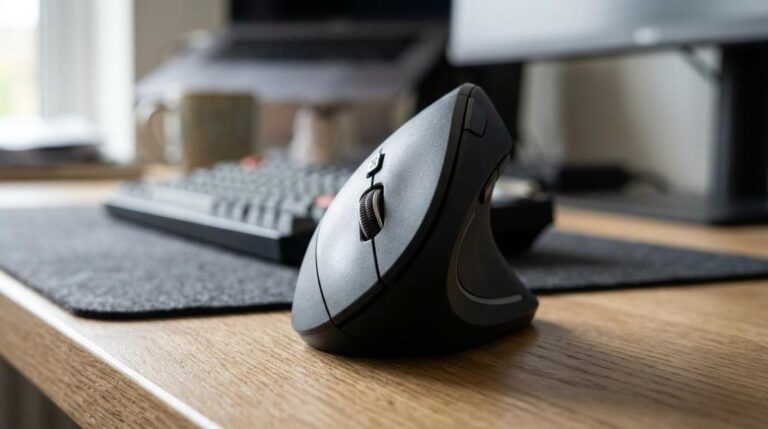
A gaming mouse is usually the first smart upgrade. Cheap office mice can work, but they often fall short on sensor accuracy, shape, button feel, and durability. A proper gaming mouse gives you better tracking, more predictable movement, and often software support for DPI tuning and button mapping. If you mainly play FPS games, lighter weight and sensor consistency matter more than extra buttons. If you play MOBAs or MMOs, side buttons can be more useful than chasing the lowest possible weight.
The keyboard comes next, and this is where buyers often overspend or buy the wrong switch type. Mechanical keyboards are popular for a reason – they feel more responsive, last longer, and offer switch options that change the typing and gaming experience. But not everyone needs the loudest clicky switch or a full-size board with every feature. A tenkeyless or compact model can free up mouse space, which is a real advantage for lower-sensitivity players. If you use the keyboard for work or classes too, comfort and noise level matter just as much as response time.
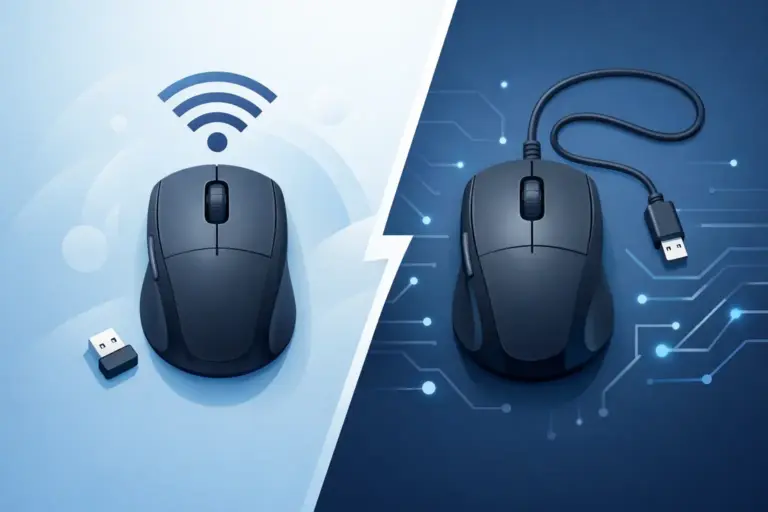
Headsets are another category where the best option depends on what you value. Competitive players often want clear directional audio and a mic that does not sound thin or distant. Casual players may care more about comfort, bass, and wireless convenience. There is always a trade-off. Wired headsets usually offer better value and fewer charging headaches. Wireless models clean up desk clutter and feel more flexible, but battery life and price become part of the decision.
A mouse pad sounds like a minor extra until you use a bad one. Surface consistency affects glide, stopping power, and tracking. If your current pad is too small, too slick, or wearing out at the edges, upgrading it can noticeably improve aim without costing much. This is one of the easiest value buys in a gaming setup.
The Accessories That Actually Change Your Setup
Once the core gear is covered, the next best PC gaming accessories are the ones that solve a real problem in your setup. That might be communication, comfort, cable mess, posture, or device flexibility.
A USB microphone is a strong move if you stream, join voice chat often, or just want cleaner voice quality than a built-in headset mic can deliver. Not every gamer needs one, but anyone creating content or spending hours in Discord will notice the difference. The key is being honest about your use case. If you only need basic in-game comms, a good headset mic is enough. If you want fuller sound and more control, a dedicated mic starts to make sense.
Webcams matter for creators, remote workers, and students sharing the same PC. If your gaming desk also handles meetings, classes, or streaming, a decent webcam is not just a side accessory. It becomes part of your daily setup. Here, you do not always need the most expensive model. Reliable image quality, decent low-light performance, and easy mounting beat extra specs you will never use.
Controllers are another smart buy for PC users, especially if you play sports, racing, platformers, or action titles that feel better off a keyboard. This is a category where comfort and compatibility matter more than hype. A controller that feels natural in your hands and connects without drama is usually the better choice than one with a long feature list and average build quality.
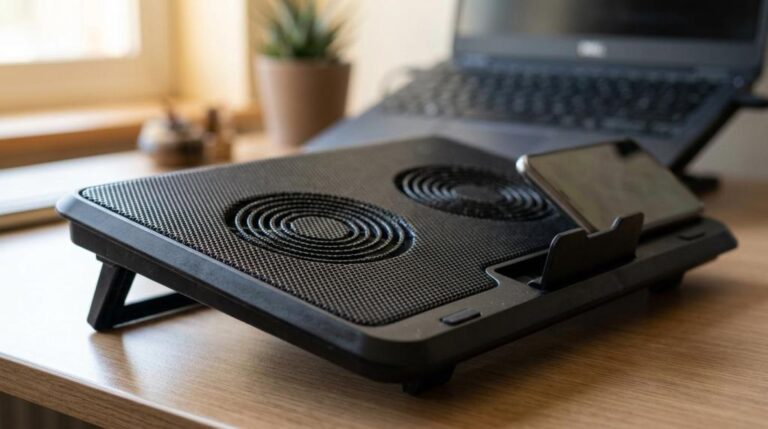
Then there are utility accessories, and these are often underrated. Wrist rests, laptop stands, cleaning kits, and tool kits do not get the same attention as RGB gear, but they can keep your setup cleaner, more comfortable, and easier to maintain. A laptop stand can improve posture and airflow. A cleaning kit helps preserve switches, mouse skates, and headset surfaces. These are practical purchases, not glamorous ones, which is exactly why they often deliver good value.
How to Choose the Best PC Gaming Accessories Without Overspending
The fastest way to waste money is to buy accessories in the wrong order. A lot of shoppers grab what looks impressive instead of fixing the weakest part of the setup first. If your mouse skips, your headset hurts after an hour, or your keyboard takes up too much desk space, those issues should come before decorative upgrades.
Start with the accessory you touch the most. For many players, that is the mouse. If your current mouse is inconsistent or uncomfortable, replacing it can improve performance faster than almost anything else. After that, look at the keyboard and headset. Those three categories usually deliver the biggest daily difference.
It also helps to think in terms of sessions, not specs. Ask yourself what gets annoying after two or three hours. Is your hand cramped? Are your ears hot? Is your mic muddy? Do you keep running out of mouse space? The best buying decisions usually come from solving repeated frustrations.
Brand recognition matters too, but it should not blind you. Well-known names often bring proven quality, better software, and more reliable support. At the same time, value-focused brands can offer excellent performance for less, especially in categories like mouse pads, stands, webcams, and utility accessories. Smart buyers compare the feature set against the price instead of assuming the highest-priced option is automatically the best.
What Is the Best PC Gaming Accessories by Setup Type?
If you mostly play competitive games, put your money into a precise mouse, a keyboard with a layout that gives you more room, a consistent mouse pad, and a headset with accurate imaging. Fancy extras can wait. Performance accessories should lead the budget.
If you play a mix of games and use your PC for work or school, balance matters more. You want a keyboard that feels good for typing, a mouse that works all day, and a headset that handles both gaming and calls. This type of setup benefits from comfort-focused upgrades because the PC is doing more than one job.
If you stream or create content, your priorities shift. A microphone and webcam can become as important as your mouse and keyboard. Audio quality and camera clarity affect how professional your setup feels, even if your gameplay hardware is already solid.
If you are shopping on a tighter budget, focus on high-impact essentials and skip the filler. A dependable mouse, a good-value headset, and a durable mouse pad can outperform a room full of cheap add-ons. This is where specialized stores like Elcomputer Store can make the shopping process easier because category-focused deals let buyers build a setup in stages instead of paying premium pricing across the board.
The Best Accessory Is the One You Notice Less
That sounds backwards, but it is true. The best PC gaming accessories are the ones that stop getting in your way. A good mouse feels natural. A good keyboard fits your desk and your play style. A good headset stays comfortable deep into a long night. The right extras clean up problems instead of creating new ones.
So if you are deciding what to buy next, do not chase the loudest product page or the most aggressive feature stack. Buy the accessory that fixes the biggest weak spot in your setup today. That is usually where the best value lives, and it is also where your next upgrade will feel worth it the second you plug it in.