
12 Best Desktop Gaming Accessories
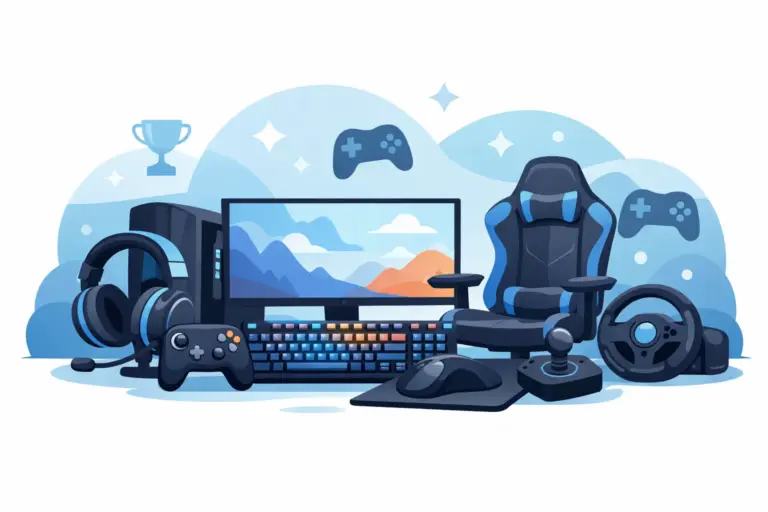
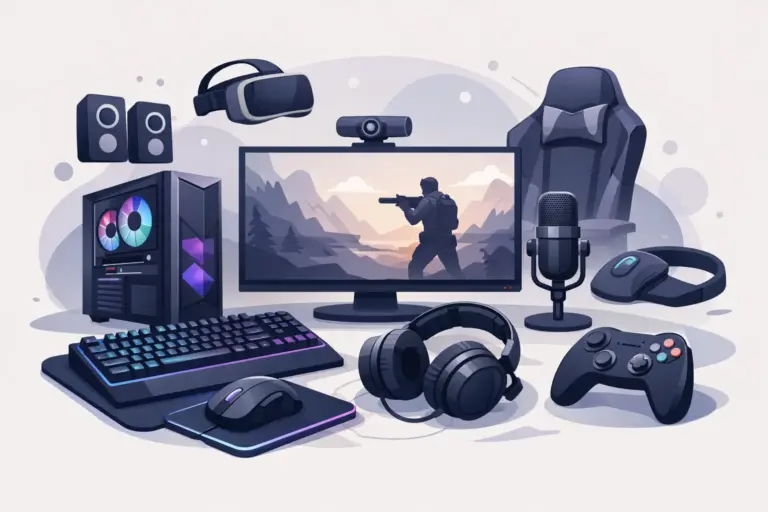
A fast PC can still feel average if the gear around it is holding you back. The best desktop gaming accessories do more than make your setup look better – they sharpen control, clean up communication, reduce fatigue, and help every hour at your desk feel smoother.
That matters whether you’re grinding ranked matches, studying between sessions, editing clips, or building a desk that can handle work and play without turning into cable chaos. The smart move is not buying everything at once. It is choosing the accessories that improve how you actually use your setup.
What makes the best desktop gaming accessories worth buying?
Not every accessory deserves desk space. Some products are pure visual flair, and that’s fine if the look matters to you. But the best upgrades usually do one of three things: improve response, improve comfort, or improve organization.
A good accessory should solve a problem you notice every day. Maybe your mouse feels inconsistent on a cheap surface. Maybe your headset sounds fine, but your mic quality is rough in voice chat. Maybe your wrists start complaining after long sessions. Those are real upgrade points, and they usually deliver more value than random impulse buys.
Price matters too. The best setup is not the one with the highest receipt total. It is the one where each piece earns its spot. A discount on a known brand can beat a flashy premium item that adds little to your actual experience.
Best desktop gaming accessories by category
Mechanical keyboard
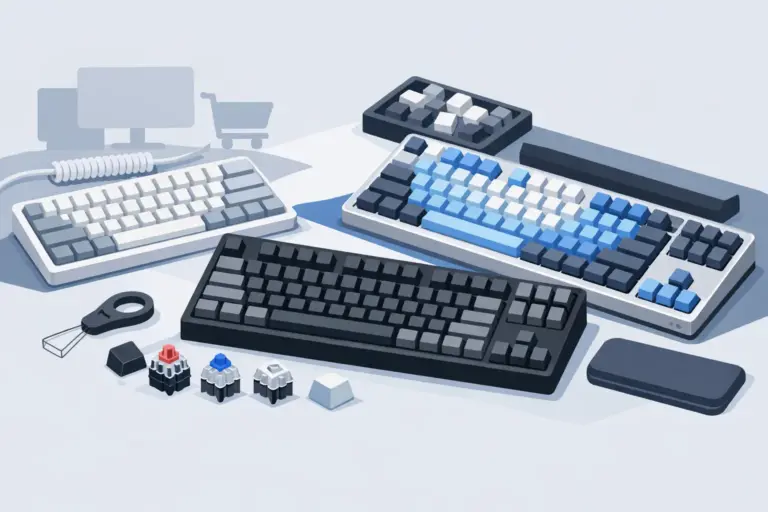
If you spend hours at your desk, your keyboard is one of the first accessories worth upgrading. A mechanical keyboard gives you better feedback, more consistent input, and usually stronger build quality than a basic membrane board.
The trade-off is noise and price. Some switches are loud enough to annoy roommates or show up in your microphone. Others are quieter and better for shared spaces. If you game late at night or use the same desk for school or work, that difference matters.
For value shoppers, the sweet spot is often a mid-range board with reliable switches, anti-ghosting, and solid keycaps instead of paying extra for features you’ll never touch.
Gaming mouse
A gaming mouse is not just about DPI numbers on the box. Shape, weight, sensor quality, and button placement matter more in daily use. If the mouse doesn’t fit your hand, the specs won’t save it.
Fast shooters usually benefit from lighter mice with clean tracking and low click latency. MMO or productivity-heavy users may prefer extra side buttons. Wired models still win on price and consistency, while wireless options have improved enough that many gamers now choose them for freedom and a cleaner desk.
If your current mouse skips, drags, or feels bulky after long sessions, this is one of the easiest upgrades to feel right away.
Mouse pad or desk mat
This is the accessory people underestimate until they replace a bad one. A quality mouse pad gives your sensor a more consistent surface and helps your movements feel predictable. A larger desk mat also protects the desk, reduces clutter, and creates a more finished setup.
Control pads are better if you want more stopping power for aiming. Speed surfaces feel slicker and quicker. Neither is universally better – it depends on the games you play and how much friction you prefer.
For most users, a medium or large mat is the practical choice. It gives you enough room without forcing a full desk overhaul.
Gaming headset
A headset pulls double duty. It handles immersion and communication, which makes it one of the most important desktop gaming accessories for players who queue with friends or spend time in competitive games.
Comfort matters just as much as audio quality. A headset that sounds great for 20 minutes but clamps your head for two hours is not a win. Look at ear cushion material, weight, and headband design, especially if you wear glasses.
Wired headsets are usually the better deal for buyers focused on value. Wireless gives more freedom and cleaner cable management, but you’ll pay more for that convenience.
Dedicated microphone
If you stream, join meetings, record content, or just want cleaner chat audio, a standalone mic is a serious step up from most headset microphones. Your friends will hear the difference immediately, and so will anyone watching your content.
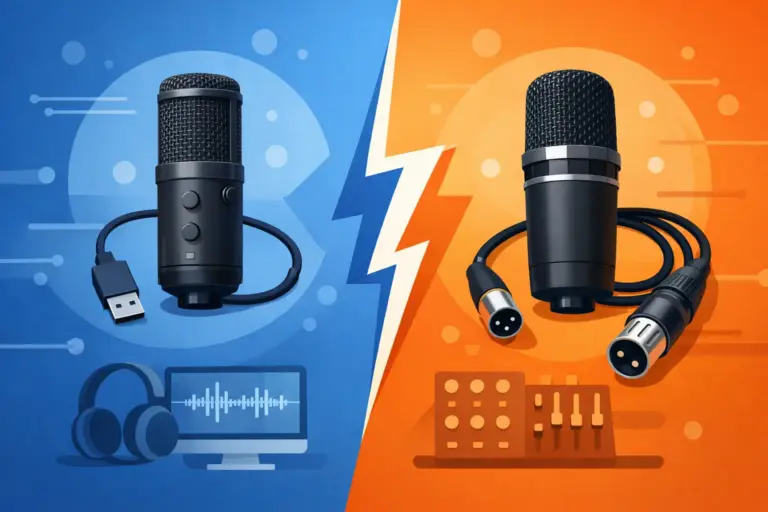
USB microphones are the easiest choice for most setups. They are simple, fast to install, and good enough for gaming, streaming, and casual voice work. If your room is noisy, pay attention to pickup pattern and placement. A better mic can also reveal background noise you didn’t realize was there.
This is one of those upgrades that feels extra worthwhile if you spend a lot of time online, not just gaming.
Webcam
A webcam is not only for streamers. It is useful for classes, remote work, calls, and content creation, which makes it a practical crossover accessory for a mixed-use desktop.
The key here is balance. If you mostly use it for video calls, a dependable 1080p webcam is usually enough. If you’re creating content, low-light performance and image tuning start to matter more. Just remember that lighting often improves image quality more than chasing a higher spec camera.
Wrist rest and ergonomic support
This category does not get flashy packaging hype, but it can make a huge difference over time. Wrist rests, monitor risers, footrests, and laptop stands all help reduce strain when your setup is not naturally aligned.
There is a catch. A wrist rest is helpful when it supports neutral posture, not when it forces your hands into a fixed position. Cheap foam can flatten fast, and oversized rests can feel awkward. Still, for long sessions, ergonomic accessories are often a smarter buy than cosmetic add-ons.
Controller for PC gaming
Not every game feels best on mouse and keyboard. Racing games, sports games, fighting titles, and many single-player action games are simply better with a controller.
A good PC controller adds flexibility to your setup. It also helps if you share your desk with someone else or switch between genres often. Wired is cheaper and simple. Wireless is more comfortable for relaxed play, especially if your chair position changes.
Speakers or compact audio upgrade
A headset is great for focused play, but desktop speakers make casual gaming, music, and everyday use more comfortable. They are especially useful if you’re tired of wearing a headset for every little thing.
Compact speakers can fit small desks without taking over the whole space. If your setup already feels crowded, check dimensions before buying. Better sound is great, but not if it leaves no room for your mouse movement.
Cable management and utility accessories
Some of the best desktop gaming accessories are the least exciting on paper. Cable sleeves, clips, USB hubs, charging docks, and cleaning kits do not scream performance, but they make your setup easier to use every single day.
A USB hub is helpful if your motherboard ports are hard to reach. A charging dock keeps wireless accessories ready. A cleaning kit helps maintain keyboards, mice, and screens without guesswork. These small fixes add up, especially if your desk doubles as a gaming station and workspace.
How to choose the right accessories without overspending
Start with your biggest frustration. If your aim feels off, prioritize a mouse and mouse pad. If your desk gets uncomfortable after an hour, look at ergonomics. If your team can never hear you clearly, upgrade the mic or headset first.
Then think in layers. Core input devices come first, because they affect every session. Audio and communication come next. After that, look at comfort and organization. This keeps you from blowing the budget on RGB extras while ignoring the accessories that actually improve performance.
Brand matters, but only up to a point. Known names often offer better consistency, warranty support, and software, especially in categories like mice, keyboards, and headsets. That said, there are plenty of value-focused options from gaming brands that deliver strong everyday performance without premium pricing.
If you’re shopping during promotions, this is where the deal gets real. A discounted mid-tier accessory from a recognized brand can be a much smarter buy than a no-name product with inflated specs and weak build quality. For buyers comparing categories and deals in one place, that is exactly where a focused retailer like Elcomputer Store has an edge.
Best desktop gaming accessories for different setups
If you’re building on a budget, focus on a solid gaming mouse, a large mouse pad, and a comfortable headset. That combo changes your experience quickly without forcing a full desk rebuild.
If you want a cleaner, more premium desk, add a wireless mouse, compact mechanical keyboard, desk mat, and cable management tools. These upgrades do not just look better. They make your setup easier to maintain.
If your desktop handles gaming, school, and work, the best mix is usually a keyboard you can type on all day, a webcam, a USB microphone or reliable headset, and ergonomic support. In that kind of setup, versatility beats pure gaming flair.
The right setup is rarely about buying the most accessories. It is about buying the ones that fix the weak spots in how you play, work, and use your desk every day. Pick the upgrades that earn their place, watch for real deals, and build a setup that feels better the moment you sit down.