PC Gaming Accessories Must Have in 2026
A weak setup usually gives itself away fast. Missed shots, muddy audio, cramped wrists, and a desk that looks ready for battle but plays like a budget office station. If you’re figuring out your pc gaming accessories must have list, start with the gear that actually changes how you play, communicate, and stay comfortable during long sessions.
This is not about buying the most expensive setup on the page. It is about building a setup that feels faster, cleaner, and more reliable without wasting money on accessories that look good in product photos but add very little once the match starts.
The PC gaming accessories must have list starts with control
The best upgrade for most players is not flashy RGB. It is better control. That usually means your keyboard and mouse come first, because they affect every click, movement, and command.
A mechanical keyboard is still one of the strongest value upgrades in PC gaming. It gives you more consistent key feel, better feedback, and often stronger durability than the average membrane board. That said, not every gamer needs the loudest switch or a full-size frame. If you play competitive shooters, you may prefer a compact layout that frees up mouse space. If you also work or study on the same desk, a full-size keyboard with a numpad might be the smarter buy.
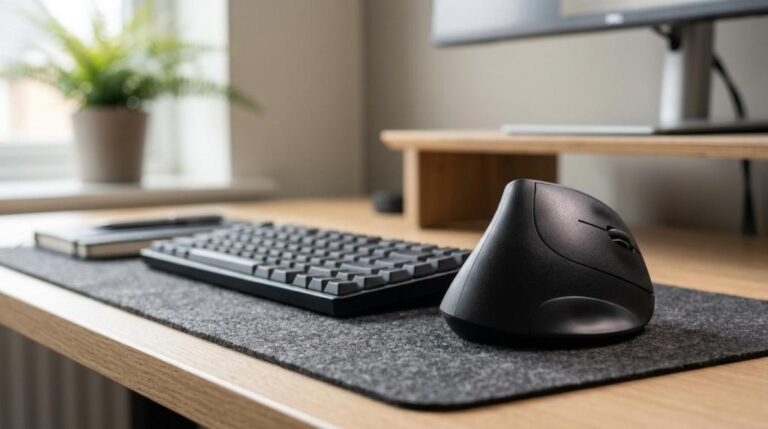
Your gaming mouse matters even more. Shape beats hype. A lighter mouse can help with fast flicks, but only if it fits your grip style. Some players want extra side buttons for MMOs and productivity. Others need a simple, responsive design for FPS titles. Wired models are still a smart budget pick because they deliver stable performance at a lower price, while wireless options are great if you want a cleaner desk and more freedom of movement. The trade-off is simple – wireless convenience usually costs more.
A mouse pad is where people cut corners, and that is a mistake. Sensor tracking depends on surface quality more than many buyers expect. A rough, worn, or tiny pad can make a good mouse feel average. If you play low sensitivity, a large pad is worth it. If your desk doubles as a work area, a medium pad may be enough. Cloth pads usually feel more controlled, while harder surfaces can feel faster but less forgiving.
Audio is not optional if you play online
A lot of gamers upgrade visuals before sound, then wonder why their setup still feels off. Good audio does two jobs at once. It helps you hear the game better, and it helps your team hear you clearly.
A gaming headset is the easiest all-in-one solution. It keeps your setup simple, saves desk space, and gives you instant voice chat without adding extra gear. For most shoppers, this is the practical move. Look for comfort first, because even strong sound means very little if the headband digs in after an hour. Ear cup material, clamp force, and mic quality matter more than giant spec claims on the box.
There is still an it depends factor here. If you stream, record, or spend a lot of time in calls, a separate microphone can be a better upgrade than a premium headset. A USB mic often gives fuller, cleaner voice pickup and makes your setup sound more polished. The catch is desk space. You may also need a boom arm or stand, especially if your keyboard is loud.
Webcams also belong in the conversation now. Not every gamer needs one, but creators, remote workers, and students who game on the same PC often get more use out of a webcam than they expect. If your setup pulls double duty for classes, meetings, and streaming, this accessory earns its spot fast.
Comfort accessories are performance accessories
This is where smart buyers save themselves from regret. A lot of accessories marketed as extras are actually daily-use upgrades once you spend enough time at your desk.
A wrist rest can make a big difference if your keyboard sits high or your desk angle puts pressure on your hands. It is not a magic fix for bad posture, but it can reduce strain during long sessions. The same goes for a laptop stand if you game or work from a laptop setup. Raising the screen improves viewing angle and clears desk space, though you may still want an external keyboard and mouse for real comfort.
Controller support is another underrated part of a complete gaming setup. Not every PC game feels best on mouse and keyboard. Racing, sports, platformers, and many action titles are simply better with a controller. If you play across genres, keeping a reliable controller nearby gives you more flexibility without changing your whole setup.
Even cleaning kits deserve more respect than they get. Dust, skin oil, and debris build up slowly, then start affecting key feel, scroll wheels, skates, and headset pads. A basic cleaning routine helps your accessories last longer and look better. It is not the most exciting purchase, but it protects the gear you already paid for.
Don’t buy everything at once
The smartest pc gaming accessories must have strategy is not loading your cart with every category in one go. It is upgrading based on the bottleneck in your current setup.
If your aim feels inconsistent, your mouse and mouse pad come first. If your hands get tired, focus on keyboard comfort and wrist support. If teammates keep asking you to repeat yourself, move audio and microphone upgrades higher on the list. If your setup is crowded, utility accessories like stands and cable organization can improve the whole experience without costing as much as a major peripheral.
This matters because the wrong upgrade order wastes budget. A premium headset will not fix a cheap, uncomfortable mouse you use every minute. A stylish keyboard will not matter much if your audio is so poor you cannot track footsteps or communicate clearly. Buy the accessory that solves the most annoying problem first.
Budget buyers should focus on value, not specs alone
You do not need a maxed-out setup to get a real performance bump. Plenty of affordable accessories from known brands deliver strong everyday results if you shop by use case instead of marketing buzzwords.
For example, an entry-level mechanical keyboard from a recognized gaming brand can be a better purchase than a no-name model packed with features but weak build quality. The same goes for mice, headsets, and webcams. Trusted brands tend to offer better software, replacement support, and more consistent quality control. That does not mean the most expensive option wins. It means value is usually found in the middle – where performance, comfort, and price actually line up.
This is also where a specialized store has an advantage. When you shop in a marketplace built around peripherals instead of random electronics, it is easier to compare categories, spot real deals, and choose accessories that fit your setup. Elcomputer Store leans into that sweet spot with gaming-focused gear, recognizable brands, and practical options for shoppers who want better performance without paying enthusiast-only prices.
What most setups actually need
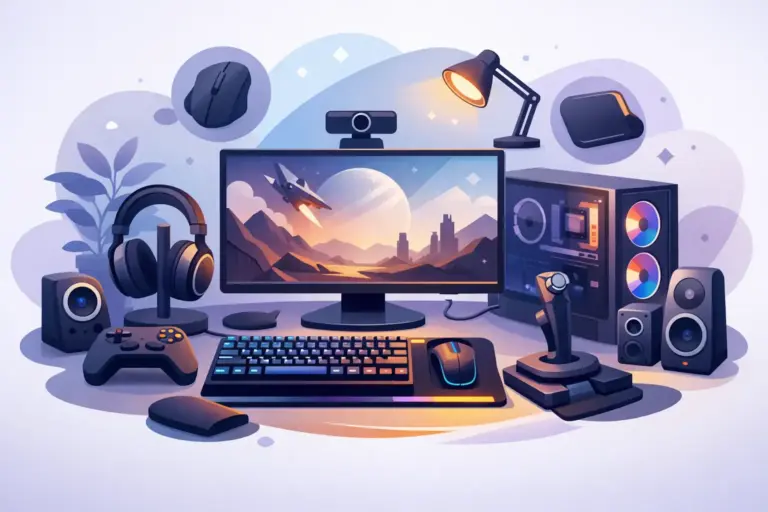
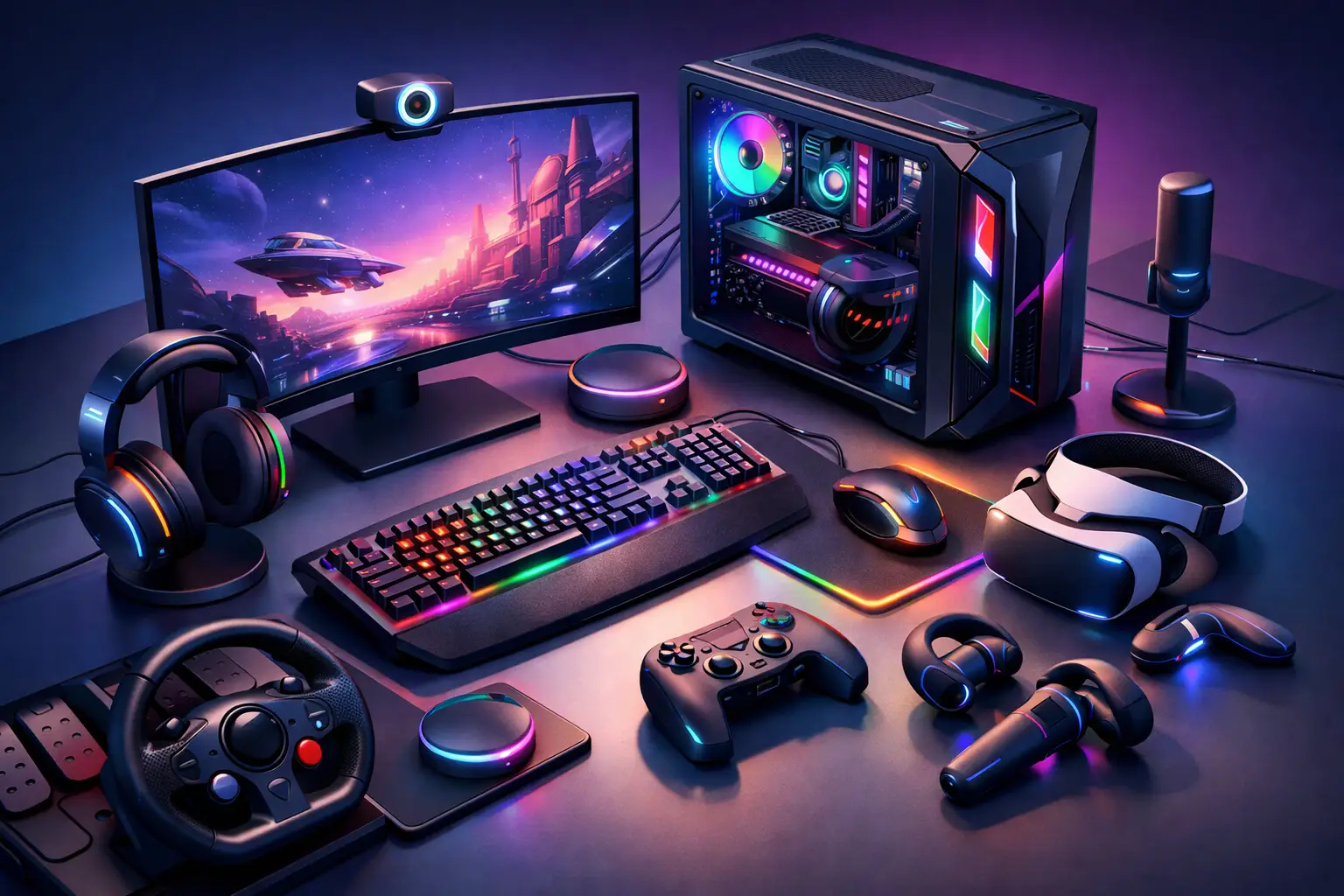
If you want the short version, most gamers should build around five core accessories: a mechanical keyboard, a gaming mouse, a quality mouse pad, a comfortable headset, and one utility item that fixes their specific setup problem. That last item might be a microphone, webcam, wrist rest, controller, stand, or cleaning kit.
What you should not do is chase accessories just because they are popular. RGB light bars, novelty gadgets, and oversized desk add-ons can wait. First lock in the gear that improves input, sound, and comfort. That is where the setup starts feeling better immediately.
There is no single perfect cart for every player. Competitive gamers may put most of their budget into mouse performance and audio positioning. Casual players may care more about comfort and multi-use flexibility. Students and work-from-home buyers often need accessories that handle gaming at night and productivity during the day. Different setup, different priority.
The good news is that a strong gaming desk does not have to be complicated. Pick accessories that solve real problems, stick with brands you trust, and watch for deals where the discount is real instead of cosmetic. A setup built that way feels better every day, not just when it is brand new.
If you’re ready to upgrade, start with the item you touch most, hear most, or complain about most. That is usually where the best value is hiding.