
How to Buy Discount Gaming Accessories Online
A $20 mouse can feel like a huge upgrade if your old one skips, drags, or makes fast aiming frustrating. A discounted mechanical keyboard can change how your whole desk feels. The point of shopping for discount gaming accessories online is not to grab the lowest price on the page. It is to get the gear that improves your setup, fits the way you play or work, and leaves more room in your budget for the next upgrade.
Great deals are everywhere, but not every deal is great. The fastest way to shop smarter is to start with the problem you want to solve: missed clicks, weak headset audio, limited desk space, wrist fatigue, poor webcam quality, or a keyboard that simply does not keep up. Once the need is clear, comparing specs and prices gets much easier.
Start With the Accessory You Will Feel Every Day
Most setups do not need a complete rebuild. They need one useful change. If your mouse is unreliable, start there. If your desk looks clean but your audio is flat, a headset or microphone may bring more value than new RGB lighting. Prioritize the accessory that affects your daily sessions most.
For competitive players, a responsive mouse, dependable keyboard switches, and a headset with a clear mic are usually the first upgrades worth making. For students, creators, and home-office users, a comfortable keyboard, webcam, laptop stand, or USB hub can matter just as much. Gaming accessories often pull double duty, which makes a good sale price even better.
Before adding anything to your cart, check what you already own. A premium wireless mouse is not always the right purchase if your current issue is a worn mouse pad. A new headset may not fix audio that is actually being limited by a damaged cable or incorrect system settings. Solve the real bottleneck first.
How to Find Discount Gaming Accessories Online That Deliver
Sale tags get attention, but product details decide whether the purchase holds up. Look past the percentage off and compare the features that affect comfort, compatibility, and performance. The best value is the item you will still be happy to use months from now.
Match the Specs to Your Setup
A mouse that looks great can still be a poor fit for your grip style or screen size. A compact keyboard saves desk space, but it may remove keys you use for school, work, or specific games. Wireless gear reduces cable clutter, while wired accessories can offer simple plug-and-play reliability without charging concerns.
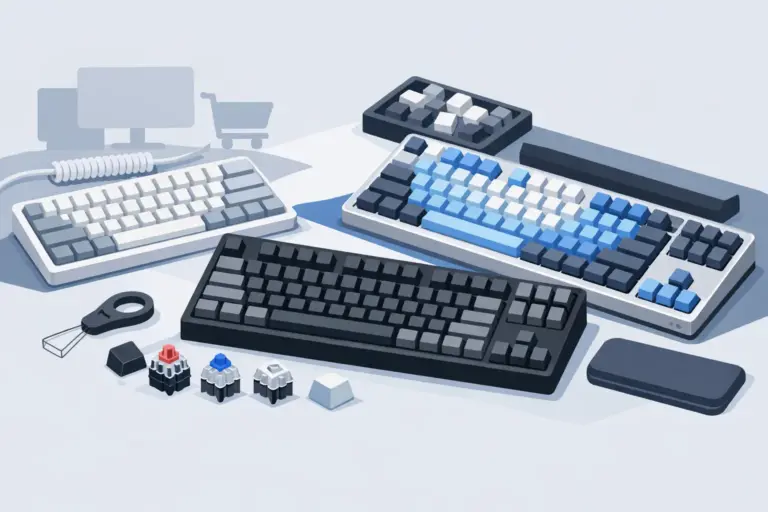
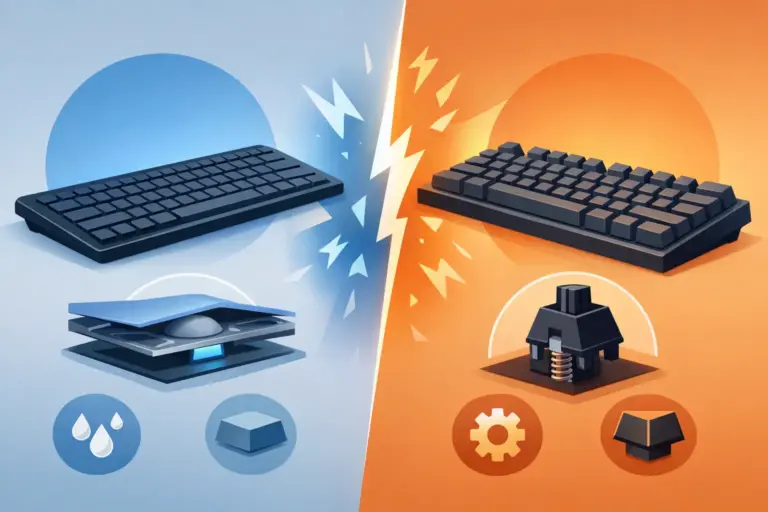
For keyboards, focus on layout, switch type, connection method, and lighting only after the basics are covered. Mechanical switches are popular for their feel and feedback, but the right option depends on whether you prefer a lighter press, a tactile bump, or a quieter setup. A full-size board offers a number pad, while tenkeyless and compact designs give your mouse more room to move.
With gaming mice, check the sensor, number of programmable buttons, weight, and ergonomics. High DPI numbers alone do not guarantee better control. A comfortable shape, stable tracking, and buttons positioned where your thumb can reach them often make a bigger difference.
For headsets, start with fit and microphone clarity. Surround sound features can be useful in games, but a headset that pinches after an hour is not a bargain. Closed-back designs can help reduce background noise, while lighter models may be better for longer sessions. If you stream, attend classes, or take calls, make sure the mic is suited to more than quick in-game chat.
Buy Known Brands, but Compare the Actual Model
Recognizable names such as Logitech, HyperX, Fantech, Rapoo, and UGREEN can make shopping less stressful, especially when you need reliable compatibility and familiar software support. Still, brand recognition should be the starting point, not the whole decision.
An entry-level model from a trusted brand may be the best pick for a first setup. On the other hand, a higher-tier version on sale can offer better switches, battery life, materials, or controls for only a little more. Compare the model name and feature set rather than assuming every accessory in a brand lineup performs the same way.
Watch for practical details that get missed during a fast sale: USB-C versus older connectors, Windows or console support, included cables, wireless receiver storage, and whether software is needed to adjust settings. These are small details until they are the reason a new accessory does not fit your desk or device.
Use Price Cuts as a Signal to Compare, Not Rush
A limited-time price can be worth acting on, especially for a product you have already researched. But urgency works best when you know your target. Set a realistic budget before you browse, then compare a few options in the same category.
A lower-priced mouse may be the better deal if it includes the features you need now. A more expensive keyboard can be worth it when it adds hot-swappable switches, a stronger frame, or multi-device connectivity you will use every day. There is no universal winner. The right choice depends on whether you are building a starter setup, replacing a failed accessory, or upgrading toward enthusiast-level gear.
Build a Better Setup in the Right Order
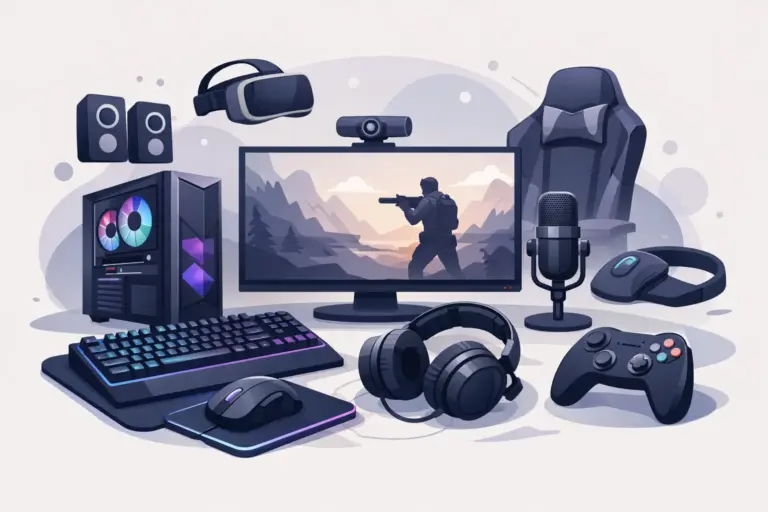
When several accessories are on sale, it is easy to spend on the most eye-catching item first. A smarter path is to build from performance and comfort outward. Start with the input device you rely on most, then improve audio, desk control, and presentation tools.
A practical upgrade order for many PC users looks like this:
- Mouse or keyboard for daily control and comfort
- Headset or microphone for communication and audio
- Mouse pad and wrist rest for smoother movement and support
- Webcam, stand, hub, or cleaning kit for a more useful workspace
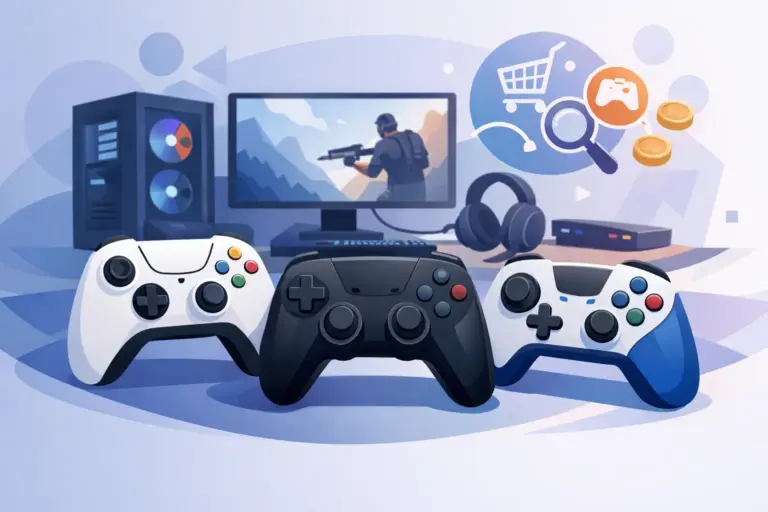
This order is not a rule. If you are a creator whose current webcam looks soft and grainy, move that category to the top. If you play controller-based games, a controller or charging accessory may be a better first purchase than a mechanical keyboard. Build around your actual routine, not someone else’s desk setup.
Do Not Ignore the Small Accessories
The accessories that cost the least can sometimes make the largest difference. A large mouse pad gives you consistent tracking space. A wrist rest can improve comfort during long study sessions or late-night matches. Cable organizers, laptop stands, tool kits, and cleaning supplies help keep an existing setup working better without a major spend.
These items are especially useful when you are close to a shipping threshold or want to complete a new desk setup. Just avoid adding extras only to chase a deal. A useful utility accessory is value. A random add-on that stays unopened is not.
Shop With Support and Returns in Mind
Online prices are only part of the buying experience. Before checking out, confirm that the store provides clear product information, visible return request options, and customer support you can reach if something is missing or incompatible. That matters most with keyboards, headsets, webcams, and other accessories where personal preference plays a real role.
Elcomputer Store makes it easier to compare gaming-focused categories in one place, from performance mice and keyboards to audio gear and practical desk accessories. That category focus is useful when you want to shop quickly without sorting through unrelated electronics.
Keep your order confirmation and packaging until you have tested the product. Check the connection, buttons, microphone, lighting, software recognition, and comfort during the first few days. A quick test protects your purchase and gives you time to address an issue if needed.
The best deal is the accessory that earns a permanent spot on your desk. Choose the upgrade that fixes a real frustration, check the details before the checkout button, and let the discount stretch your setup further.